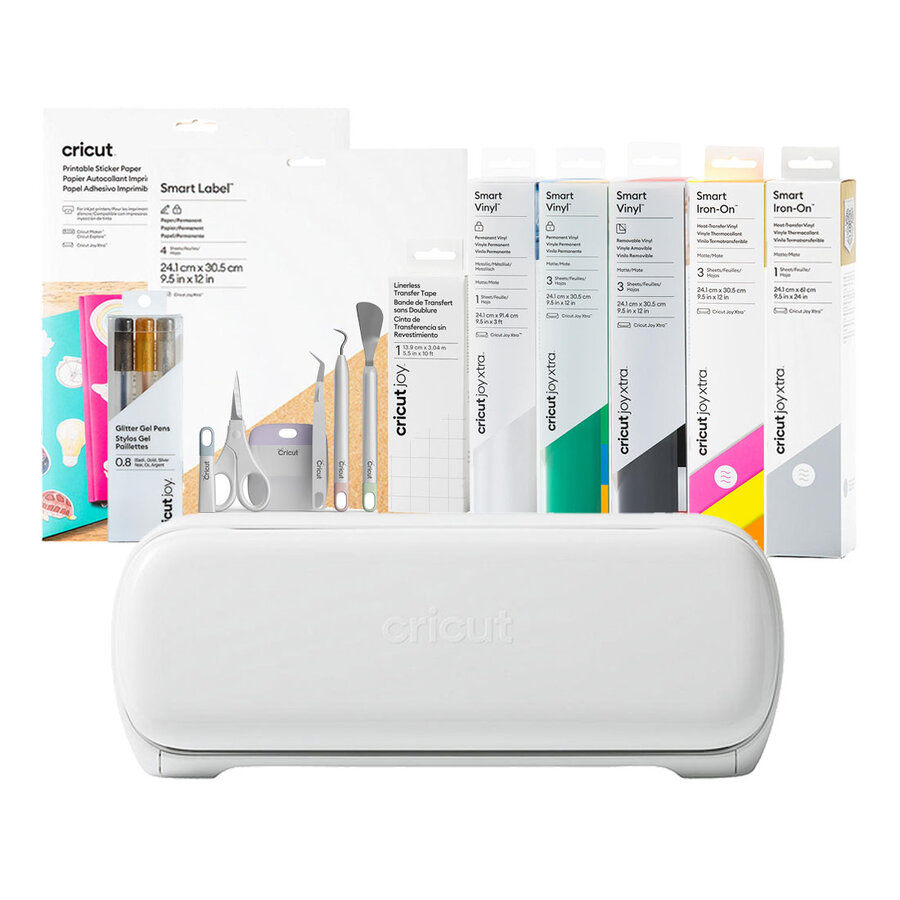
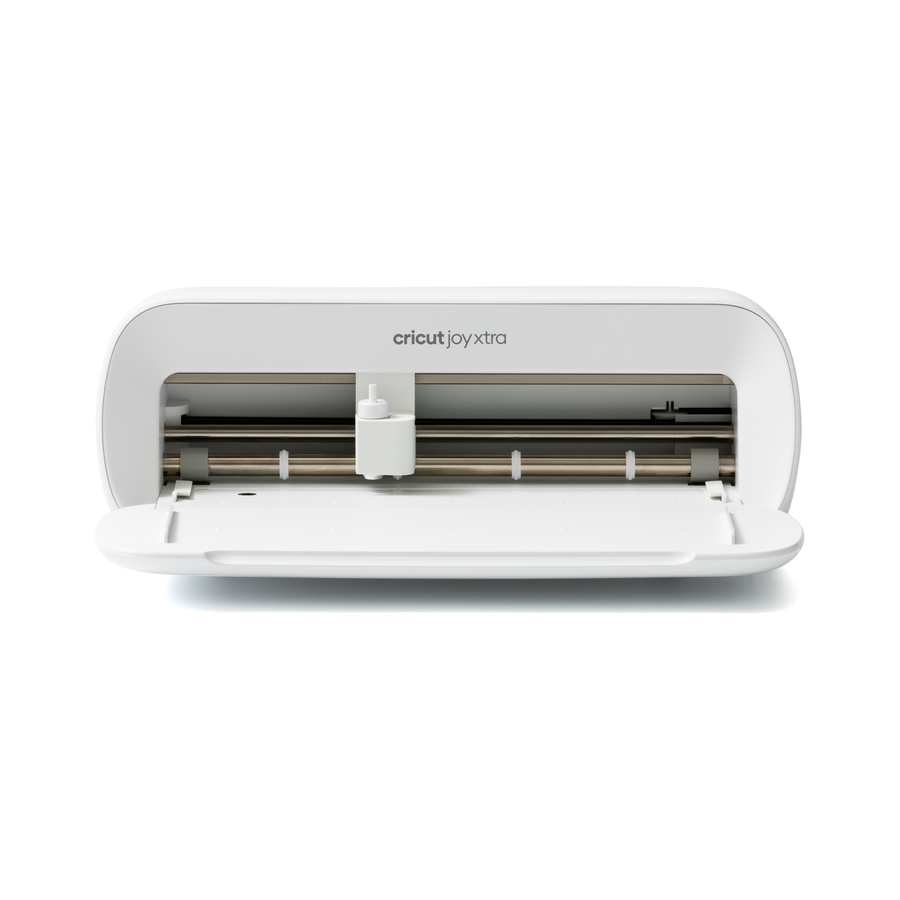
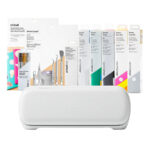
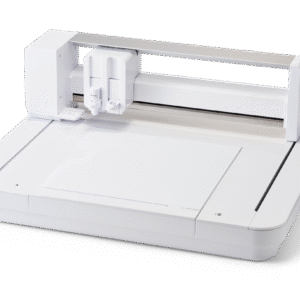
Cricut Joy Xtra™ Smart Iron-On™ * Sampler, Glowsticks (3 ct)
Cricut Joy Xtra™ Smart Iron-On, Silver (24 in)
Cricut Joy™ Transfer Tape (5.5 in x 10 ft)
Cricut Basic Tool Set
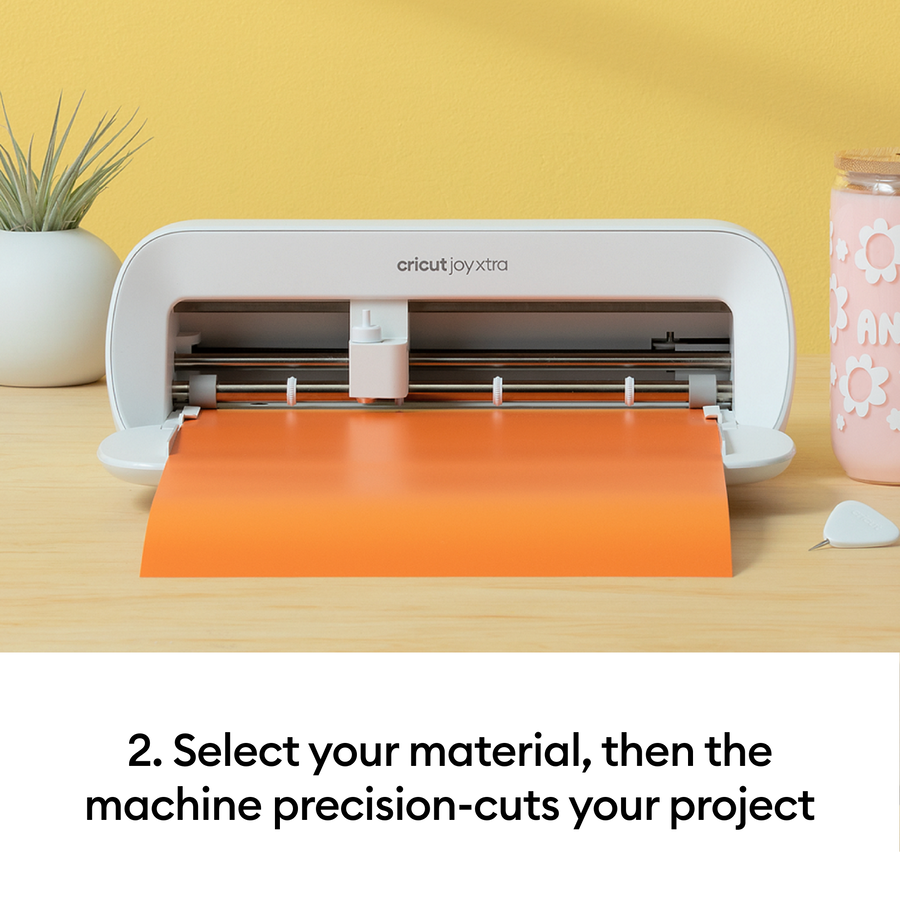
Works with 50+ materials, including popular materials like vinyl, iron-on & cardstock
Compatible with your home inkjet printer to print then cut full-color designs
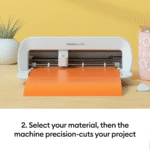
Cuts intricate designs with precision
Writes, draws, foils, and more
Works with popular material sizes, including US Letter and A4
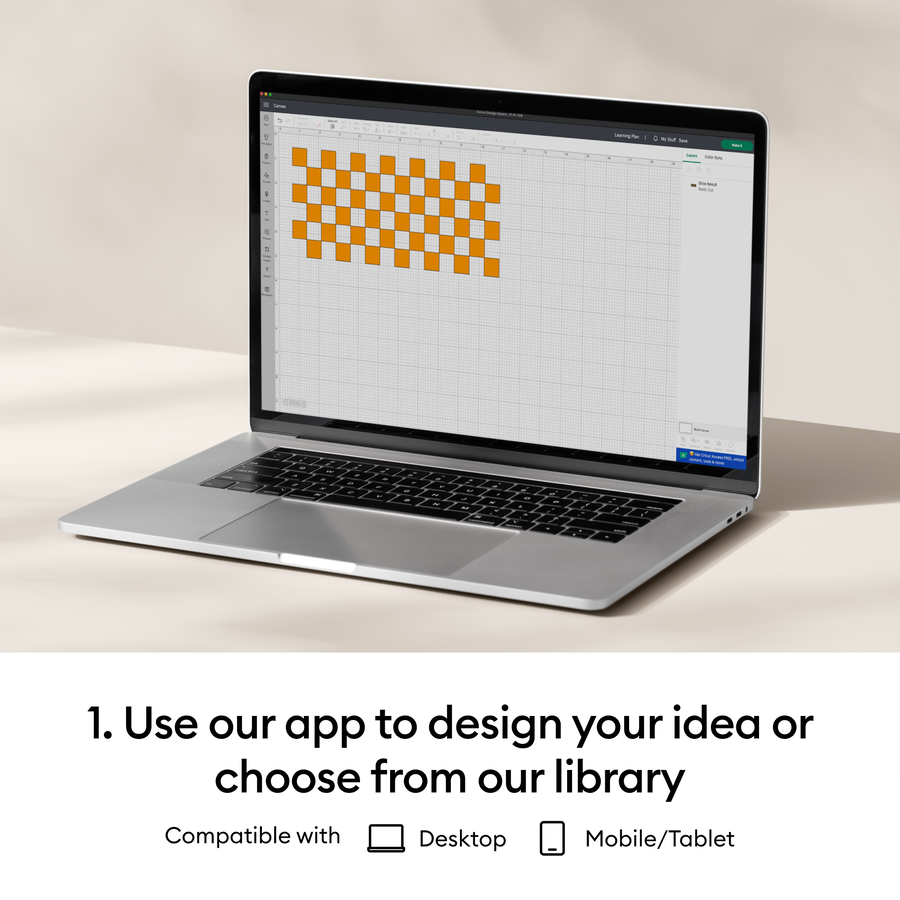
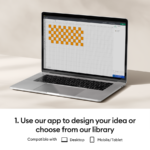
Free, easy-to-learn Design Space® app
Bluetooth® wireless technology
Upload & cut your own designs or choose from the Cricut Design Space library
Online courses & beginner cheatsheets
World-class customer support is available via phone or chat
Cricut Manufacturer Warranty
Specifications
Dimensions: 12.5 in x 6 in x 5.5 in (31.7 cm x 15.2 cm x 13.9 cm)
Weight: 6 lbs (2.7 kgs)
Max cut size using machine mat: 8.2 in x 11.7 in (20.8 cm x 29.7 cm)
Max cut size using Smart Materials: 8.5 in x 4 ft (21.6 cm x 1.2 m)
Cut speed: 5.65 in per second
Keep it clean: Wipe the exterior regularly and clear dust or scraps from inside and rollers.
Protect your mats: Remove debris after each use, replace the plastic cover, and wash gently with mild soap when needed.
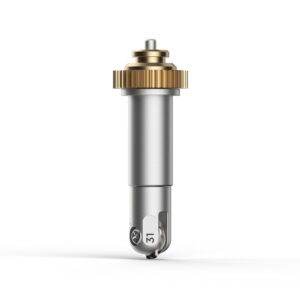
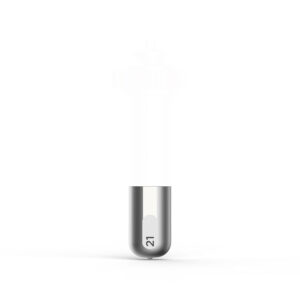
Maintain the blade: Keep free of residue, replace when cuts become rough or incomplete.
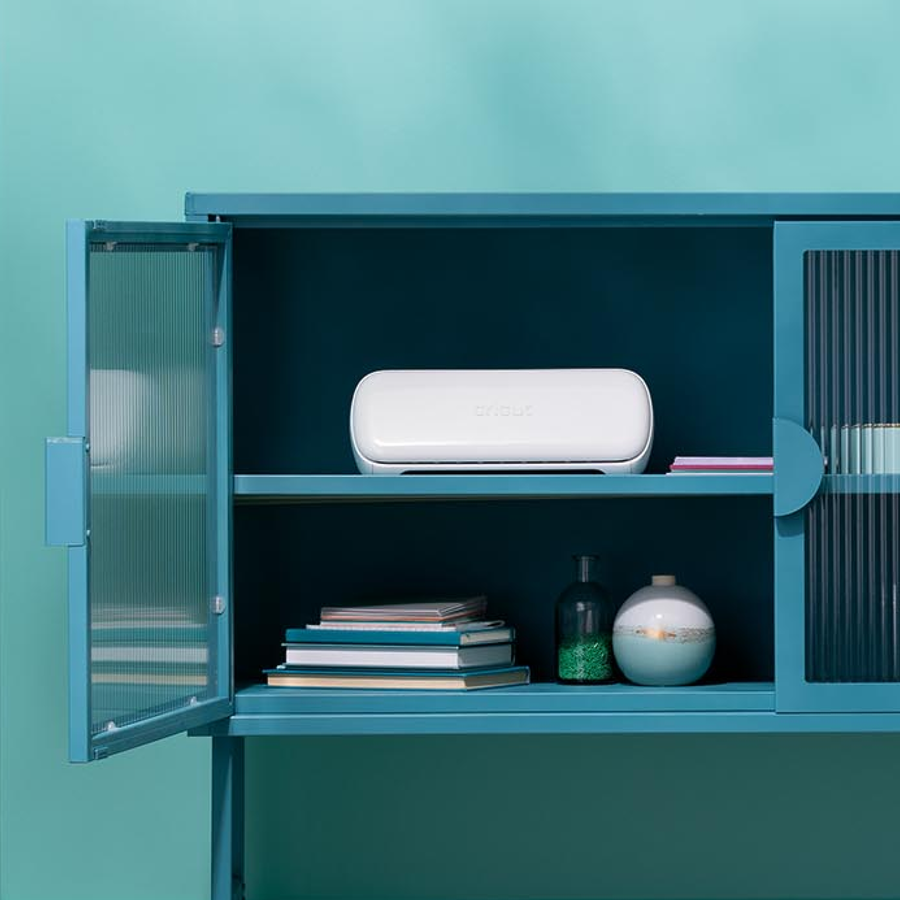
Store properly: Close the lid, unplug when not in use, and store in a cool, dry place away from sunlight.
Update software: Keep Cricut Design Space and firmware up to date for best performance.
Care for accessories: Cap pens tightly, store tools safely, and replace worn items promptly.
If you are not satisfied with your purchase you can return it to us within 7-14 days for an exchange or refund. View more details on our terms & conditions page